Example result
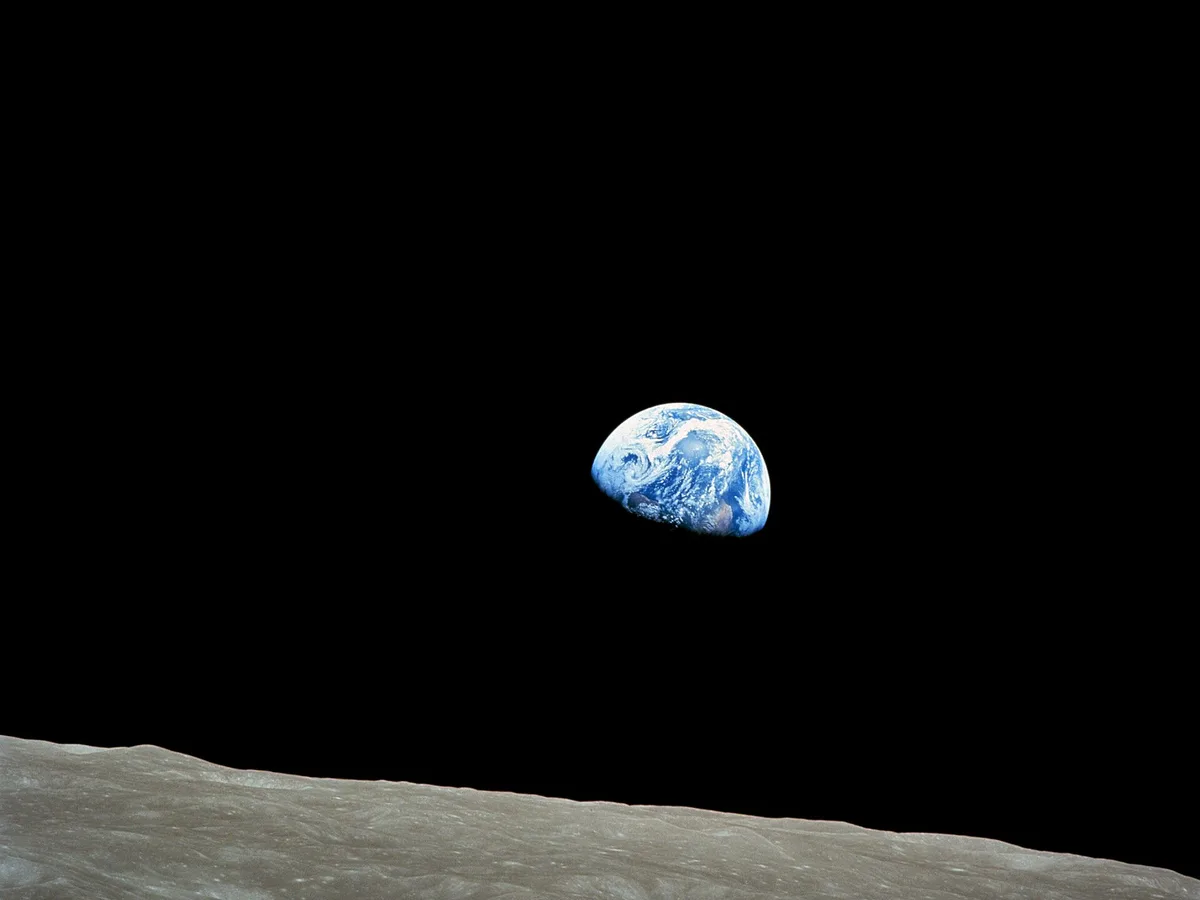
Smaller files, same photo.
Need a precise size such as 20 KB or 50 KB? Use Resize Image to 20KB, which searches for the best quality under your limit.
- Add photosChoose or drop one or more JPG, PNG or WebP images.
- Pick a formatWebP for the smallest size, JPG for compatibility, PNG to keep transparency.
- Resize if neededShrinking a 4000 px photo to 1600 px saves the most.
- Compare and saveDrag the slider to check quality, then download.
Good to know.
Is the image compressor free?
Yes, with no limits, no sign-up and no watermark.
Are my photos uploaded to a server?
No. Compression runs in your browser, so the files never leave your device.
Which format should I pick?
WebP usually gives the smallest file at the same visual quality and works on all modern browsers. Pick JPG for the widest compatibility with older apps and email. PNG keeps transparency but is often larger, so it is only kept when you choose it.
Will compression lower the quality?
Lossy compression removes detail you mostly cannot see. A quality of 75 to 85 is a good balance. Drag the before and after slider on each result, and raise the quality if you see blocky areas.
More free tools.
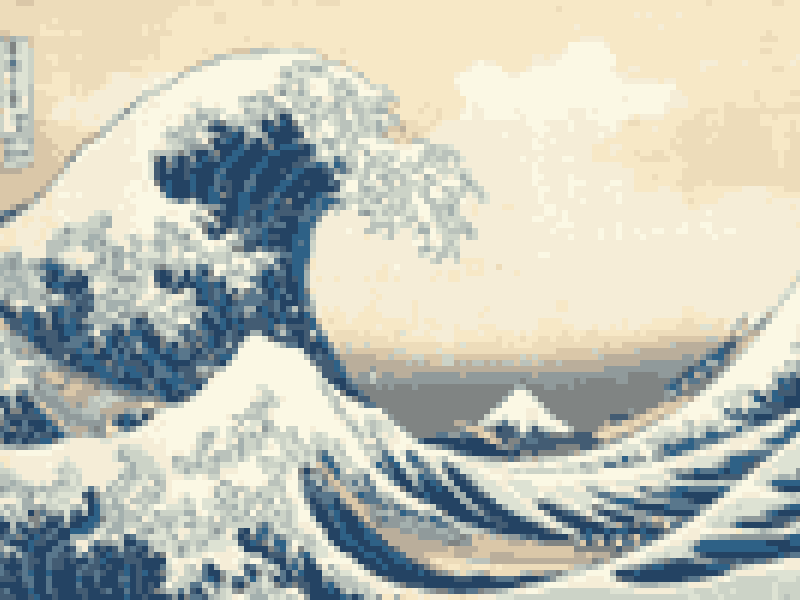
Picture to Pixel Art
Turn a picture or photo into pixel art, with a true-size sprite export.
Free · 6 retro palettes
Pixelate Photo
Apply a mosaic to a whole image or a selected rectangle.
Free · Whole photo or area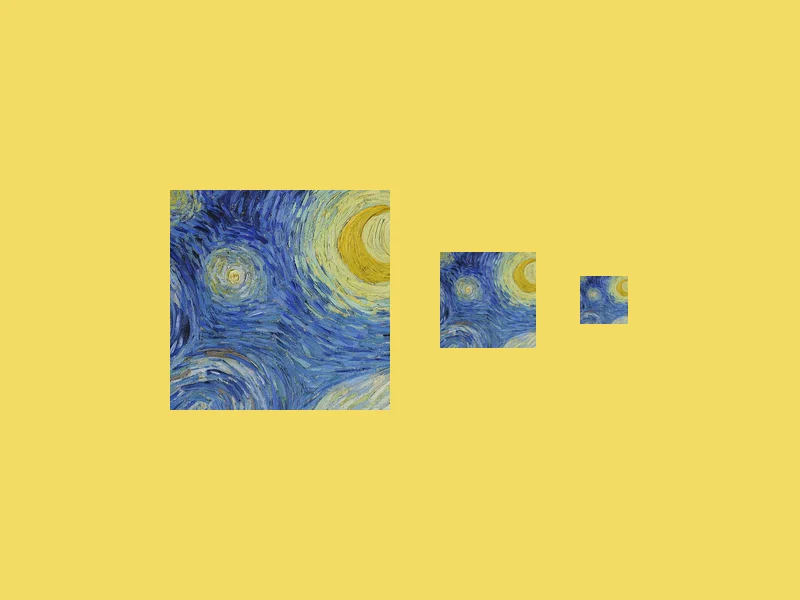
ICO Converter
Convert an image into a multi-size .ico file, from 16 to 256 px.
Free · PNG · JPG · SVG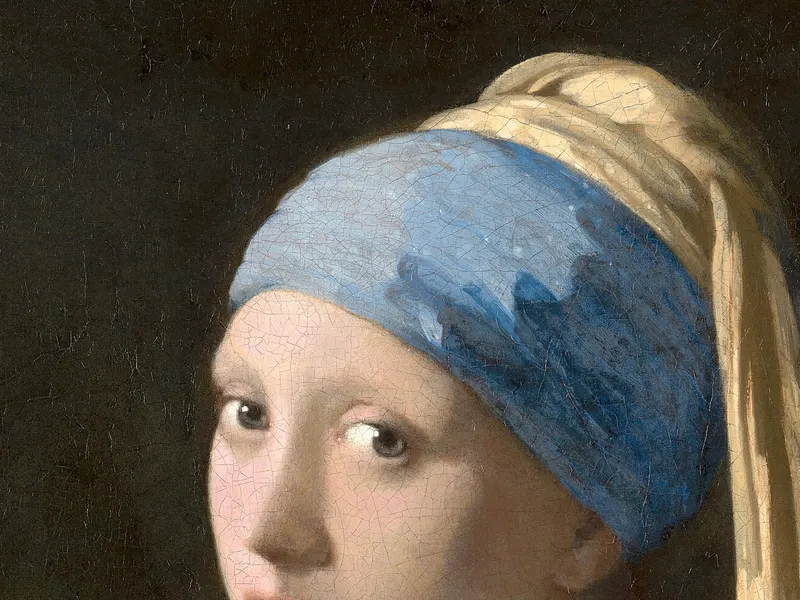
Resize Image to 20KB
Get a photo under a file-size limit for an online form.
Free · 10 to 200 KB presets