Example · drag to compare
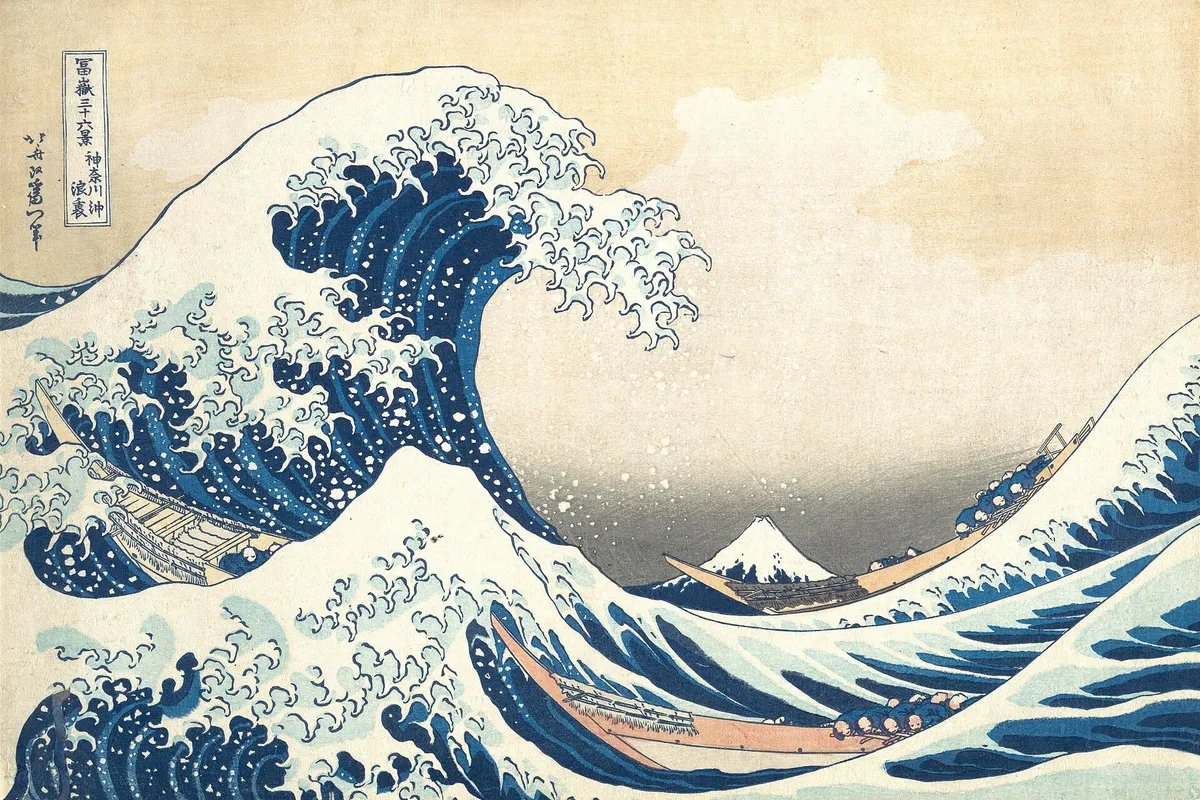
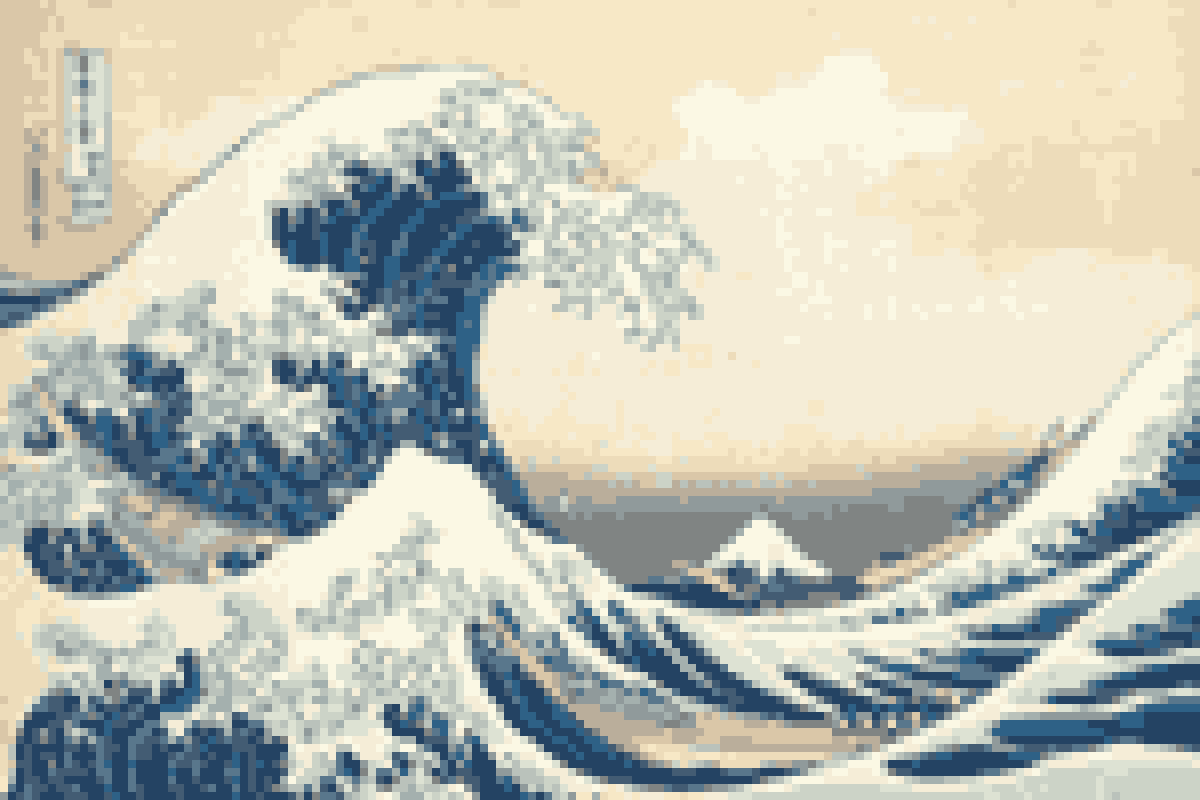
Make it look 8-bit.
- Start with the subjectCrop around one face, pet or object before uploading. Fine text and busy backgrounds lose their shape on a small grid.
- Choose the gridStart at 8, then increase the block size for fewer cells. Lower it if eyes, outlines or other important details disappear.
- Choose the colorsTry 16 original colors for photos, PICO-8 for a bright game look, or four Game Boy greens for a restrained retro effect.
From photo to pixel art.
This image to pixel art converter makes two changes: it reduces the picture to a grid of color samples, then replaces each sample with its nearest palette color. Larger blocks mean a smaller grid and a more abstract image. Fewer colors simplify shading and can make separate shapes easier to see.
The Original colors options build a palette from your own image, with up to 8 or 16 colors. PICO-8, Game Boy, NES and black and white use fixed palettes. A console palette gives the image a familiar color style; it does not enforce that console's sprite, tile or hardware restrictions.
Block size and the actual PNG size
The image is first fitted within a 1600-pixel longest edge. Block size is measured against that working image, so it is a starting point rather than a fixed grid width. For an 800 × 600 photo at block size 8, the result is a 100 × 75 grid. The result label shows both the grid and exported PNG dimensions so you can check before downloading.
Leave Export at 1 pixel per block off for a larger PNG with sharp squares, useful for sharing a retro portrait. Switch it on for the actual small grid — 100 × 75 pixels in that example — to open in a sprite editor or scale up by a whole-number factor without blurring.
A starting point for artwork
Try avatars, pet portraits, small game backgrounds or a draft sprite reference. Automatic conversion cannot decide which outline or highlight matters most. For a game-ready sprite, expect to clean up stray pixels, shape the silhouette and check the result at its native size. This tool does not generate new details or animate a sprite.
Need a mosaic instead?
For a face, number plate or selected part of a screenshot, open Pixelate Photo. That tool keeps the photo's colors and lets you apply a mosaic to the whole image or a chosen area. This page is for the whole-image pixel art effect. If a detail must be completely hidden, cover or remove it; a mosaic may still be recognizable.
Good to know.
How do I turn a picture into pixel art?
Upload a picture, choose a block size and select a palette. The converter samples a smaller grid and maps each cell to a palette color. Check the grid dimensions in the result, then download the PNG. No account is needed.
Which palette should I use for a photo?
Start with Original colors (16) to keep a photo recognizable, or Original colors (8) for fewer tones. PICO-8 uses 16 fixed colors; Game Boy uses four green shades. These palette choices change the colors, not the number of cells in your image.
Can I export a PNG at its true pixel art size?
Yes. Enable Export at 1 pixel per block. A 100 by 75 block grid then downloads as a 100 by 75 pixel PNG. With that option off and a block size of 8, the same grid downloads as 800 by 600 pixels with sharp square blocks.
Is this the same as pixelating a photo for privacy?
This converter changes the whole image and reduces its colors for a retro art effect. Use the separate Pixelate Photo tool for a mosaic over a selected area or the whole photo. A mosaic can leave details recognizable, so it is not a guarantee that sensitive information is hidden.
Can I convert a transparent PNG to pixel art?
Yes. PNG output keeps transparent areas. To make crisp pixel edges, sampled cells below 50% opacity become transparent and the other cells become fully opaque. A fully transparent source produces a transparent PNG.
Are photos uploaded, and is there an image size limit?
Processing happens in your browser; your photo is not uploaded. For the conversion grid, images over 1600 pixels on their longest edge are scaled down first. Very large files still need to be decoded by your browser, so resize them first if your device runs low on memory. Animated images produce a still PNG.
More free tools.
Pixelate Photo
Apply a mosaic to a whole image or a selected rectangle.
Free · Whole photo or area
ICO Converter
Convert an image into a multi-size .ico file, from 16 to 256 px.
Free · PNG · JPG · SVG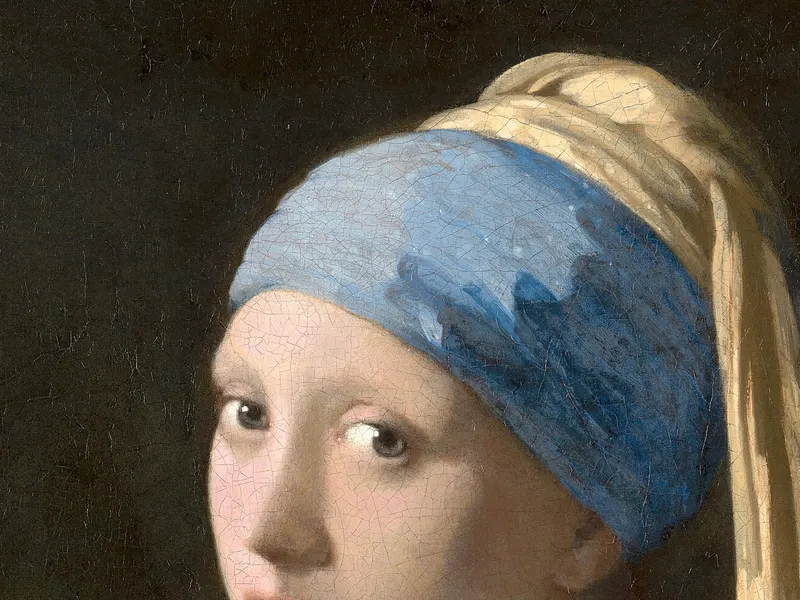
Resize Image to 20KB
Get a photo under a file-size limit for an online form.
Free · 10 to 200 KB presets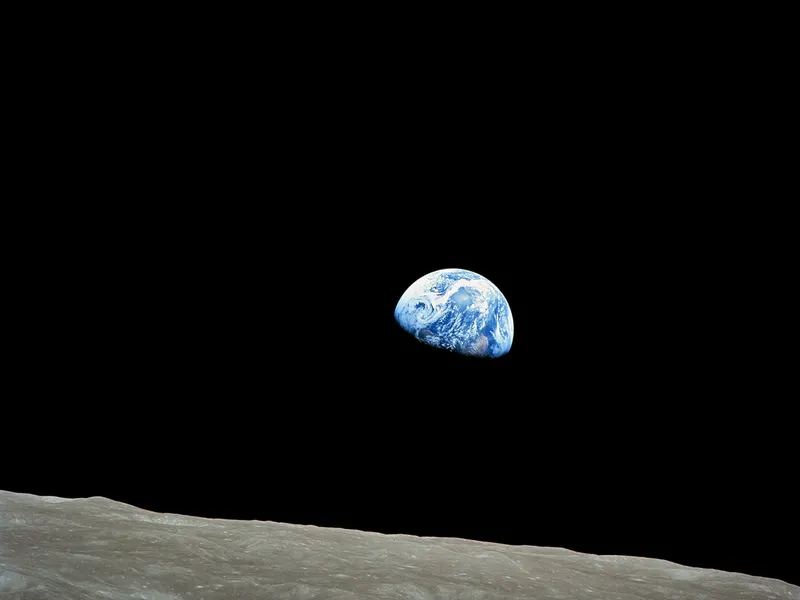
Image Compressor
Shrink JPG, PNG and WebP files with a quality slider.
Free · Quality control