PhotoCraft download.
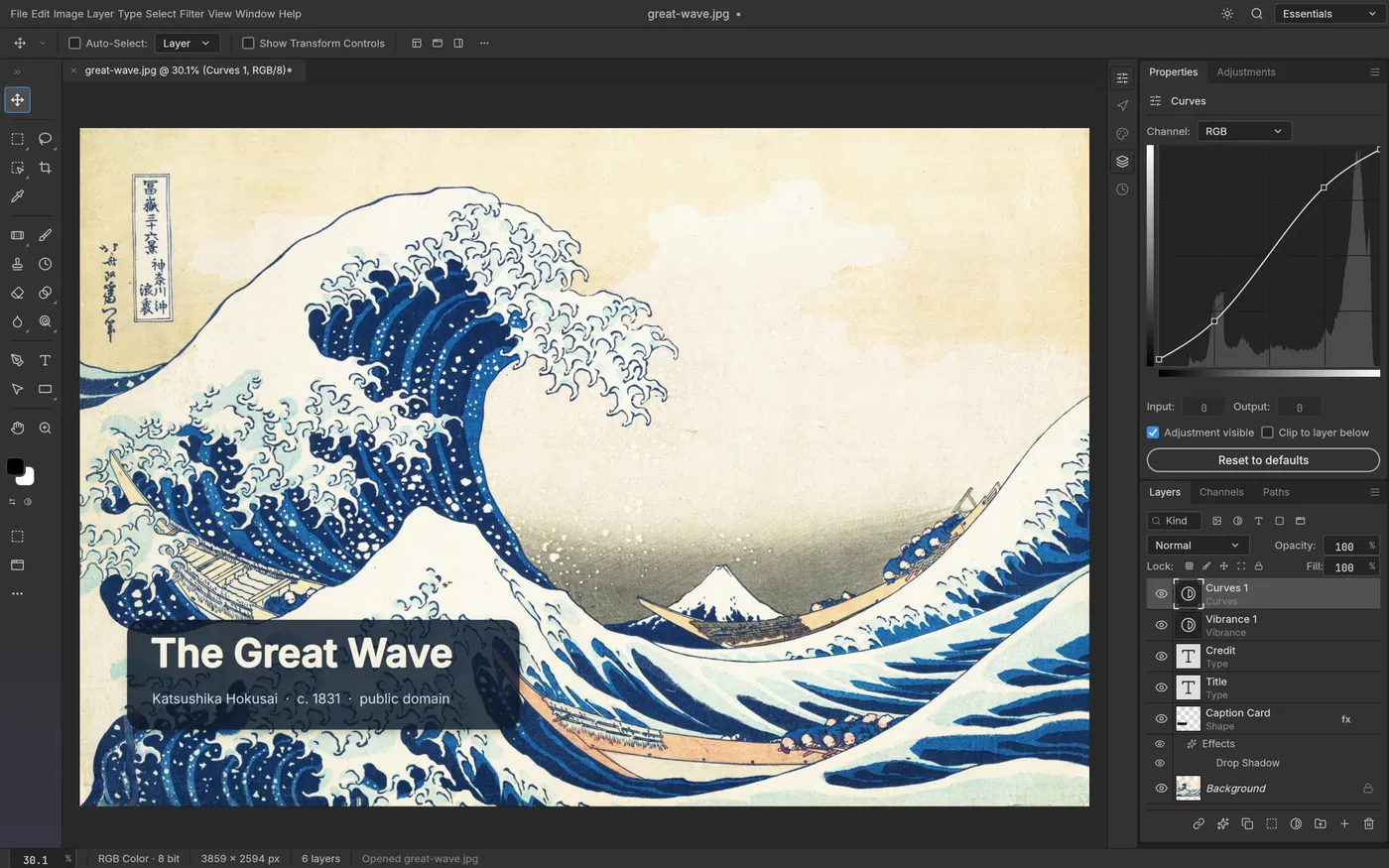
PhotoCraft is a free, open-source photo editor that rebuilds Photoshop from scratch in Rust. It opens real PSD files and has layers, masks, adjustment layers and layer styles. Official v0.12.0 links for every platform.
- Free and open source
- Official GitHub files only
- Windows, macOS, Linux
Download PhotoCraft v0.12.0
Latest release 2026-10-21. Every link points to the official file on GitHub. We do not host or modify the files.
All files, checksums and older versions: github.com/storytold/photocraft/releases
Before choosing an editor, read PhotoCraft vs Photoshop. Before installing a build, check PhotoCraft download safety and verification.
Which file should I download?
- Windows: most PCs need the 64-bit installer (.msi). Pick the portable .zip if you cannot install software. Surface Pro X and Snapdragon laptops use the ARM build.
- Mac: the .dmg works on both Apple silicon (M-series) and Intel Macs.
- Linux: the AppImage runs on almost any distribution. Use .deb on Ubuntu or Debian and .rpm on Fedora if you prefer your package manager.
How to install PhotoCraft
Windows
- Verify the downloaded file and its release source before opening the .msi installer.
- If Windows SmartScreen or another security check warns you, stop and investigate the exact file, publisher and release notes. Do not assume that a warning is harmless because the project is open source.
- Open PhotoCraft from the Start menu.
macOS
- Open the .dmg and drag PhotoCraft into Applications.
- If macOS blocks the app or reports a verification problem, stop and check the exact release and its signing or notarization status. Our signing guide explains why the status can differ between builds.
Linux
- For the AppImage, make it executable (right-click, Properties, Allow executing, or
chmod +x) and run it. - For .deb:
sudo apt install ./photocraft-*.deb. For .rpm:sudo dnf install ./photocraft-*.rpm.
Check that your download is genuine
Find SHA256SUMS.txt on the official release page. Replace the example filename below with the exact file you downloaded, then compare its checksum with the matching entry:
- Windows (PowerShell):
Get-FileHash -Algorithm SHA256 .\your-file.msi - macOS (Terminal):
shasum -a 256 ./your-file.dmg - Linux (Terminal):
sha256sum ./your-file.AppImage
The full value must match the line for that file in SHA256SUMS.txt. A match verifies that you have the expected release file; it does not independently prove the software is safe.
What PhotoCraft can do
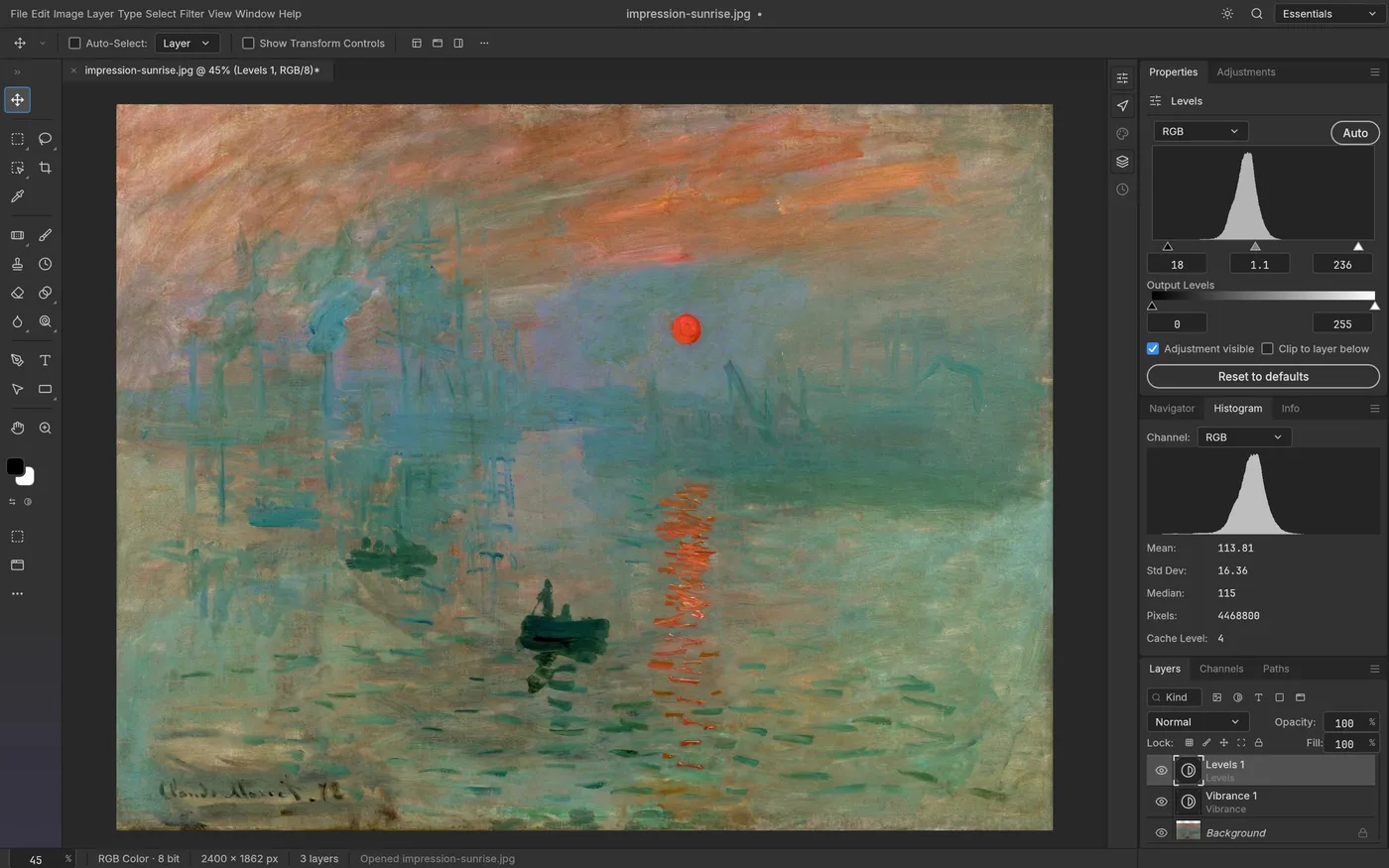
- Layers, masks, groups and blend modes, with real PSD open and save.
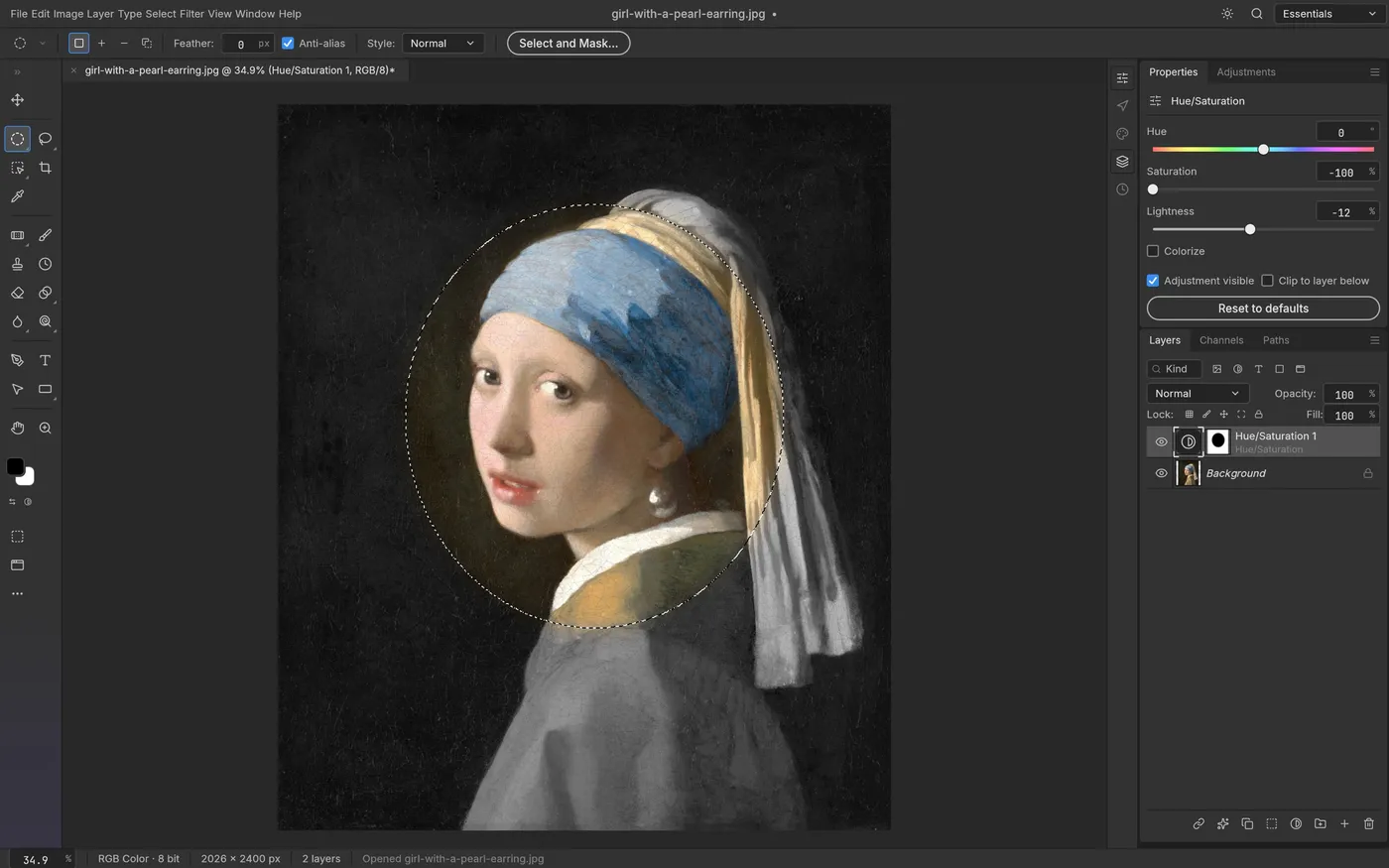
- 16 adjustment layers, including Curves, Levels, Hue/Saturation, Black and White, Gradient Map and Color Lookup (.cube, .3dl, .look).
- Layer styles: Drop Shadow, Glow, Bevel and Emboss, Stroke and overlays, live on any layer including type.
- Selections: marquee, lasso, Magic Wand, Quick Selection, Object Selection, Select Subject and Select and Mask.
- Native and GPU-accelerated, with no Electron or web view. A command line and an MCP server let AI agents drive the same engine.
Facts on this page come from the official PhotoCraft repository. Compare it with other free editors in Free Photoshop Alternatives, or get the whole suite on the ArtCraft download page.
Good to know.
Is PhotoCraft free?
Yes. PhotoCraft is free and open source under the MIT or Apache-2.0 license, at your choice. There is no subscription for the editor itself.
Is PhotoCraft safe to download?
Use the official GitHub release, check the file against its SHA256SUMS.txt entry and inspect any signing information. A checksum match confirms file identity, not freedom from malware or bugs. Signing can vary between release artifacts. Read our PhotoCraft safety guide before installing, and avoid third-party downloaders.
Can PhotoCraft open PSD files?
The maintainers document layered PSD reading and writing, along with known fidelity gaps. Support for a format does not mean every layer or effect will round-trip exactly. Test copies of your own documents, inspect important layers and keep the originals.
Is PhotoCraft a full Photoshop replacement?
Not yet. The project is marked early alpha. It covers layers, masks, adjustment layers, type, vectors, brushes and PSD files, but expect missing features and bugs. Keep backups of important work.
What are the PhotoCraft system requirements?
There are builds for macOS (one universal file for Apple silicon and Intel), Windows x64, Windows on ARM and 32-bit Windows, Linux x86_64 and ARM64, and FreeBSD. It draws with the GPU through wgpu (Metal, Vulkan or DirectX 12), so a reasonably recent graphics driver helps.
Who makes PhotoCraft?
PhotoCraft is one of the Crafting Apps from the ArtCraft team (the storytold organization on GitHub), alongside open-source alternatives to Lightroom, Illustrator, Premiere and more.
More free tools.
Picture to Pixel Art
Turn a picture or photo into pixel art, with a true-size sprite export.
Free · 6 retro palettes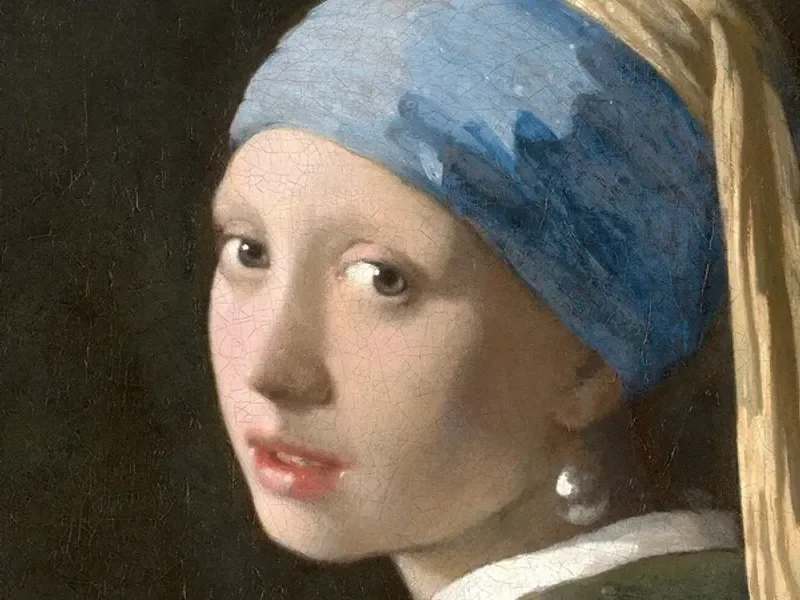
Pixelate Photo
Apply a mosaic to a whole image or a selected rectangle.
Free · Whole photo or area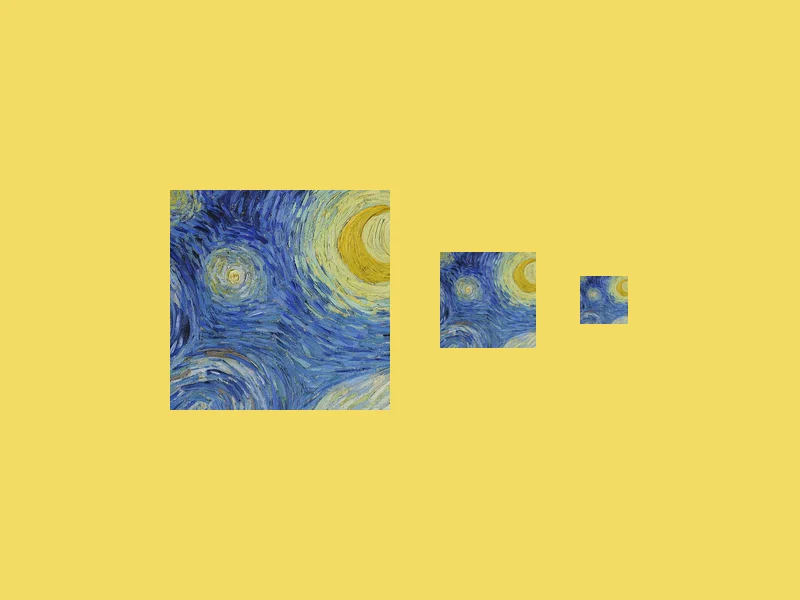
ICO Converter
Convert an image into a multi-size .ico file, from 16 to 256 px.
Free · PNG · JPG · SVG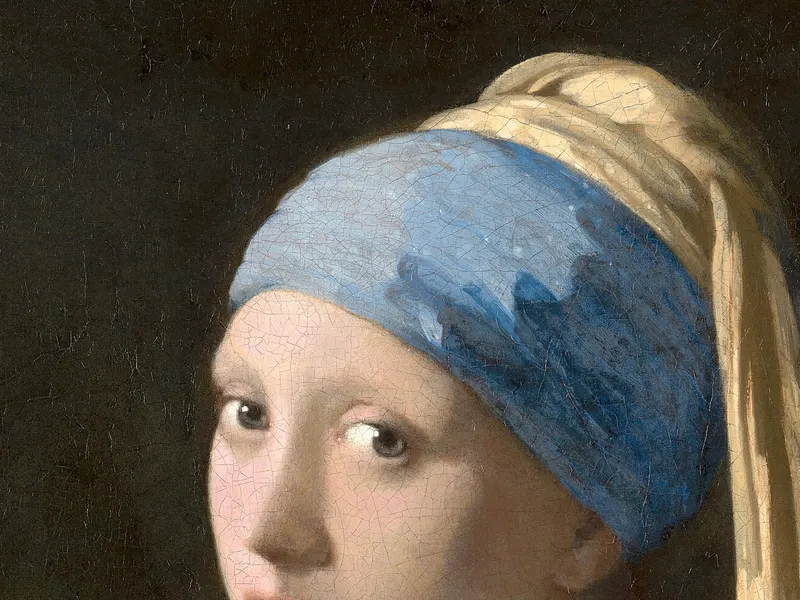
Resize Image to 20KB
Get a photo under a file-size limit for an online form.
Free · 10 to 200 KB presets