Example icon sizes
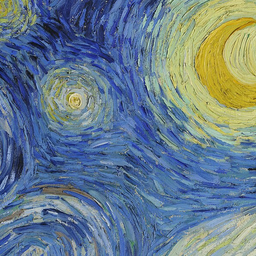 256px
256px 48px
48px 32px
32px 16px
16pxKeep the shape of your logo.
PNG is a useful starting point for an icon because it can store transparent pixels around a logo. Upload the original PNG, keep the default 16, 32, 48 and 256 px sizes or choose your own, then download the ICO. The checkerboard in the previews marks transparency; it is not added to the file.
Fit or crop a non-square PNG
Fit preserves the whole image and adds transparent space on the shorter sides. It usually suits logos whose edges must remain visible. Crop fills every side of the square and cuts equally from the center, which can suit a photo or a design with room around the subject.
Prepare a PNG for small icons
Use a clear silhouette and leave a little room around it. A detailed wordmark can become unreadable at 16 px even when the 256 px preview looks sharp. Transparent padding inside the original PNG also counts as image space, so trim excessive empty borders before converting.
This tool accepts PNG on this page. For another source, use JPG to ICO, SVG to ICO or the ICO converter. Each selected size is stored as PNG data inside the ICO; check your destination's encoding requirements.
Good to know.
How do I convert PNG to ICO without losing transparency?
Choose your PNG, select the icon sizes and download the ICO. The converter draws onto a transparent canvas and stores each size as PNG data, so transparent areas remain transparent.
Why does my transparent PNG have a white box?
A white area may already be part of the source image rather than transparency. This converter preserves existing transparency but does not remove a white background. The checkered previews help you see transparent pixels.
Can I turn a small PNG into a 256 px icon?
Yes, but enlarging it cannot restore missing detail. Start with a source at least as large as your biggest selected icon size when possible.
Will converting PNG to ICO make the file smaller?
Not necessarily. An ICO with several sizes contains several images plus a directory. Choose only the sizes you need if file size matters.
More free tools.
Picture to Pixel Art
Turn a picture or photo into pixel art, with a true-size sprite export.
Free · 6 retro palettes
Pixelate Photo
Apply a mosaic to a whole image or a selected rectangle.
Free · Whole photo or area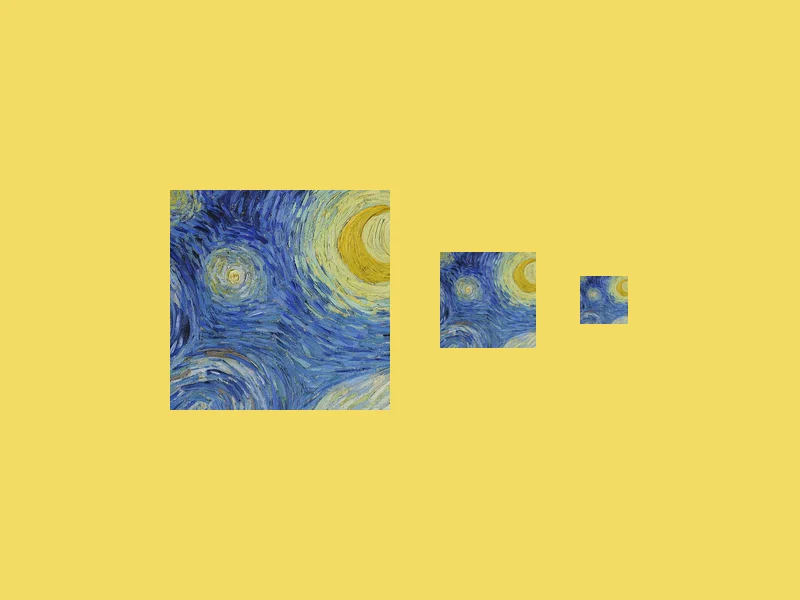
ICO Converter
Convert an image into a multi-size .ico file, from 16 to 256 px.
Free · PNG · JPG · SVG
Resize Image to 20KB
Get a photo under a file-size limit for an online form.
Free · 10 to 200 KB presets