Example icon sizes
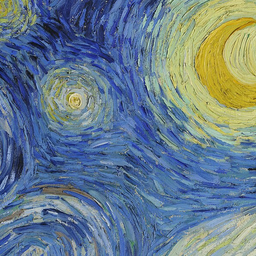 256px
256px 48px
48px 32px
32px 16px
16pxA vector source. A raster icon.
SVG describes shapes that can scale, while an ICO holds fixed-size icon images. This converter renders the SVG locally, then creates a PNG image for each selected size inside the ICO. The output is not a vector file. Keep the original SVG for future editing or for uses that need scalable artwork.
Prepare a self-contained SVG
Export plain SVG with paths, basic shapes and gradients. Convert lettering to outlines so it does not depend on an installed font. External image links, scripts, animation, embedded images and HTML content are not supported. SVG files stay in the browser, and the converter rejects external resources before rendering.
Size and viewBox
A positive width and height or a valid viewBox defines the artwork's proportions. A viewBox-only SVG works too. Fit keeps that shape with transparent padding; Crop fills the square from the center. SVG inputs are limited to 2 MB, and their raster preview size is bounded to avoid creating an enormous canvas.
At 16 px, simplify fine strokes and crowded details. A good large vector logo may need a simpler small-icon version. If your editor exports a PNG instead, use PNG to ICO. For photos use JPG to ICO, or choose the general ICO converter.
Good to know.
Does an SVG stay vector inside an ICO?
No. The SVG is rendered to pixels in your browser. The ICO contains PNG images at the sizes you select, so keep the original SVG if you need an editable vector source.
Which SVG files are supported?
Use a self-contained SVG made of vector paths, shapes, gradients and local fragment references. Files with scripts, animation, external resources, embedded images, foreignObject, document types or entities are rejected. Convert text to paths in your vector editor first.
Can I convert an SVG that only has a viewBox?
Yes. A valid viewBox supplies the aspect ratio when width and height are absent. The converter sets bounded local raster dimensions before drawing the SVG.
Why does an SVG logo look different at 16 px?
Raster icons have a fixed number of pixels. Thin lines, small gaps and detailed lettering can blur or disappear. Simplify the source artwork and check every preview rather than judging only the largest size.
More free tools.
Picture to Pixel Art
Turn a picture or photo into pixel art, with a true-size sprite export.
Free · 6 retro palettes
Pixelate Photo
Apply a mosaic to a whole image or a selected rectangle.
Free · Whole photo or area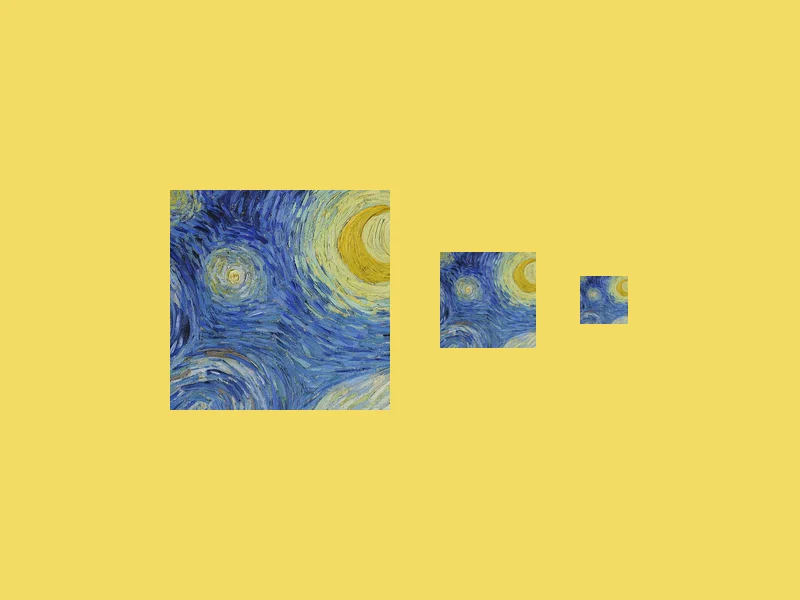
ICO Converter
Convert an image into a multi-size .ico file, from 16 to 256 px.
Free · PNG · JPG · SVG
Resize Image to 20KB
Get a photo under a file-size limit for an online form.
Free · 10 to 200 KB presets