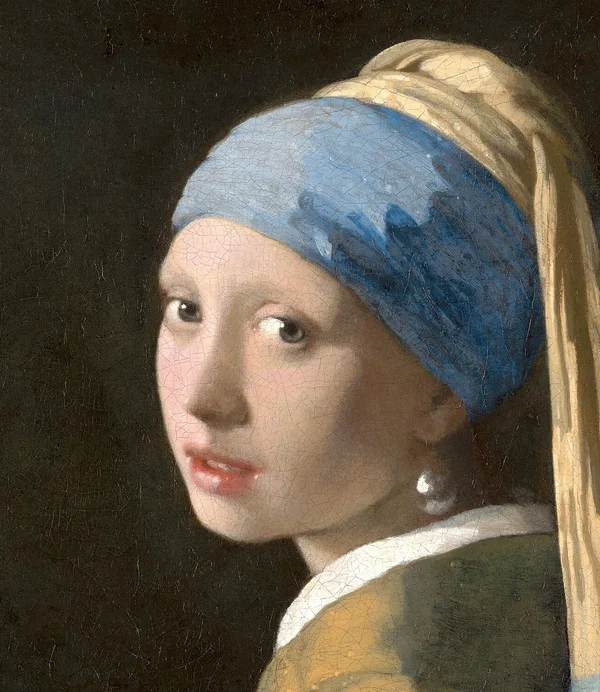
Source artwork · try it at your chosen target
Make every pixel count.
A 10KB budget is tight for a full photograph. It is more practical for a small portrait, a simple graphic or a clean signature. This tool adjusts encoding quality, then reduces pixel dimensions when necessary. It does not add bytes to make the file exactly 10KB: a readable result below the ceiling is the goal.
- Simplify the sourceStart with the image already cropped to the content you need. Extra background uses the same limited file budget as the subject.
- Use the required formatJPG works for many photo fields. Use WebP only when the destination explicitly accepts it; changing an extension does not convert a file.
- Inspect fine detailsZoom in on the downloaded result. Check eyes, lettering and thin strokes, which can become hard to distinguish at this size.
When a file fits but still fails
The size check is only one part of an upload rule. A form can also require a particular pixel width, height, aspect ratio or minimum file size. Compare the dimensions shown beside your download with the instructions on the form. Compression cannot confirm identity-photo composition, lighting or document acceptance.
If small text becomes unreadable, return to the source and remove unnecessary margins before trying again. Repeatedly compressing an already compressed download compounds the damage. Keep your original file and make each attempt from it. For a handwritten mark, the signature tool gives you optional width and height controls.
A destination that allows more room may be better served by the 20KB or 30KB preset. Do not assume that a lower number is always better: choose the largest permitted budget that keeps the content clear. The result reports bytes using 1 KB = 1,000 bytes so that you can compare a decimal limit directly.
Need control over export quality rather than a byte cap? Try the image compressor.
Other size presets.
Choose a target from the instructions on your current form. Passing a byte limit alone does not verify its format, dimension or content rules.
Good to know.
Can every photo stay readable below 10KB?
No. Detailed photographs may need noticeably smaller dimensions or show compression artifacts. Inspect the downloaded file; choose a larger permitted budget if essential details are lost.
Will the image be exactly 10,000 bytes?
No. The tool finds a result below 10,000 bytes and reports its actual size. It does not pad a smaller file or satisfy a separate minimum-size requirement.
Is 10KB suitable for my signature upload?
Only if your form allows it. Check its format, byte range and dimensions. The signature resize page starts at 10KB and provides optional pixel controls.