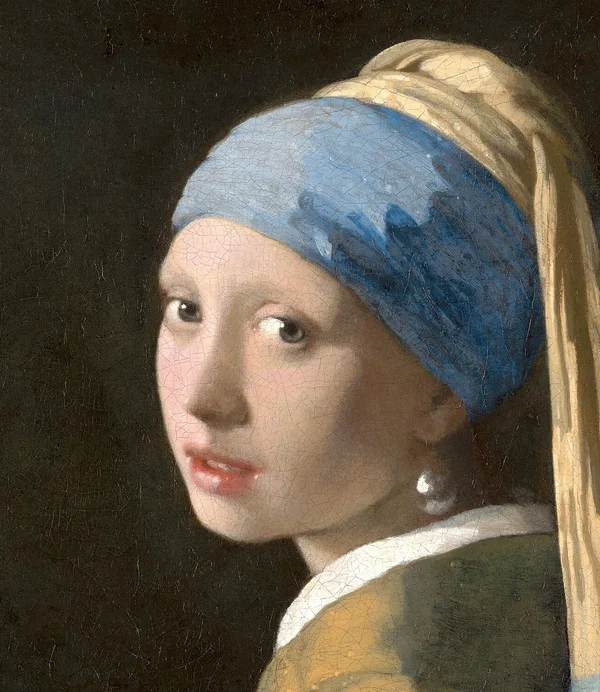
Source artwork · try it at your chosen target
Make a practical screen copy.
A phone or camera photo can contain far more pixels than an online field needs. The 200KB preset creates a smaller copy, using quality changes and a safe working resolution. It may preserve more visible detail than the stricter presets for the same source, but it is still a compressed screen copy. Keep your full-resolution original for editing, archiving or printing.
- Keep an original backupChoose the source from your gallery or files. Save the download under its new name so you can return to the original if a later use needs more detail.
- Consider the contentA photograph usually suits JPG. Transparent artwork may suit WebP when supported. Small labels in a diagram deserve a closer inspection than broad areas of color.
- Test the final destinationCheck that the receiving field allows the selected type and actual dimensions. Attach the downloaded copy and use the service’s own preview to confirm orientation and legibility.
What to inspect after reducing a large image
Look at the part that communicates the image’s purpose: a person’s expression, a product label, a line in a chart or a handwritten detail. The tool measures file size, but it cannot decide which visual feature is essential. If that feature is hard to read, simplify the source composition or choose a larger budget when the destination permits one.
Very large inputs are limited to a safe working canvas before encoding. This prevents repeated full-resolution exports from overwhelming the browser, but means this tool is not designed to retain a huge print-size canvas. The final width and height appear with the result so that you can make an informed choice before downloading.
Do not rename a JPG to PNG or WebP merely to pass a file picker. The real encoding must match what the recipient supports. This page starts with JPG and a 200,000-byte cap, using 1,000 bytes per KB. Switch to the 100KB or 50KB preset for stricter limits; if a document has mandatory dimensions, check those instructions independently.
Need control over export quality rather than a byte cap? Try the image compressor.
Other size presets.
Choose a target from the instructions on your current form. Passing a byte limit alone does not verify its format, dimension or content rules.
Good to know.
Can I reduce a multi-megabyte photo to 200KB?
Often, by lowering quality and dimensions. The result depends on the image and browser. If the tool cannot fit a usable result within its safeguards, it shows an error instead of a download.
Will the 200KB copy retain camera metadata?
The image is drawn to a canvas and re-encoded. Do not rely on the output retaining camera metadata, location information, color profiles or the original filename extension.
Is this suitable for printing?
Use your original for print whenever possible. A compressed screen copy may have fewer pixels and less detail. Check the output dimensions against the print size and quality you need.