Source artwork · try it at your chosen target
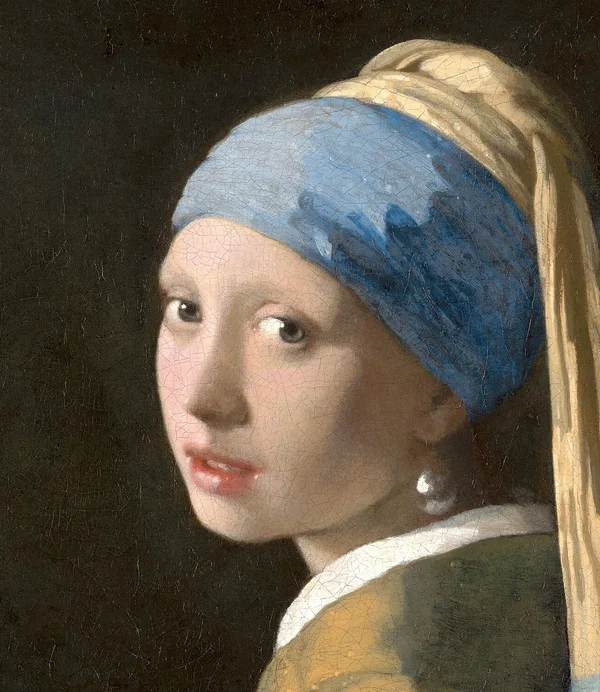
Keep the subject clear.
The 30KB preset is useful when your upload instructions give that ceiling or allow a range containing it. Compared with a smaller target, it may retain more detail, but the outcome depends on the image. A simple portrait and a textured landscape need different amounts of data. The tool measures the exported file rather than guessing from dimensions.
- Check the permitted rangeIf the form says 20–30KB, a file under the upper limit could still be below its minimum. Check the actual bytes shown after conversion.
- Avoid a screenshot detourUse the original image when available. A screenshot adds another resampling step and may include borders or interface elements you do not want to upload.
- Look for edge damageCheck hair, glasses, logos and other sharp boundaries in the preview. Try a cleaner crop from the original if compression makes those edges muddy.
Preparing a useful 30KB upload
Converting a PNG photo to JPG often changes how it stores the image. The export is lossy, and transparent areas become white in JPG. That can be helpful for a plain document background, but it changes graphics designed for a colored surface. If transparency matters and the destination accepts it, select WebP and inspect the checkerboard-free preview carefully.
Choose a target according to the destination’s rule, not according to the apparent quality of the original on a large screen. The downloaded result may be smaller in pixels than the source. A field with a mandatory width and height needs a separate dimensions check, even when its byte count passes.
You can enter another target without uploading again; the tool reuses your original in this tab. Use 20KB for a stricter ceiling or 50KB if the rules permit additional detail. The same conversion can produce a result noticeably below 30,000 bytes, because the objective is to fit the limit without adding useless padding. Keep the original for future applications.
Need control over export quality rather than a byte cap? Try the image compressor.
Other size presets.
Choose a target from the instructions on your current form. Passing a byte limit alone does not verify its format, dimension or content rules.
Good to know.
Why is my 30KB download only 26KB?
Encoding produces discrete file sizes. A smaller valid result is kept instead of padding it to 30,000 bytes. If your form also has a minimum, compare that minimum with the exact byte count.
Can I convert a PNG to JPG under 30KB?
Yes. Select JPG after uploading the PNG. Transparent pixels are placed on white, and the tool can reduce quality and dimensions to fit the cap.
Will changing from 20KB to 30KB restore lost detail?
It may preserve more detail when both attempts start from the original. It cannot restore detail that was already removed from an earlier compressed file.