Sample photo
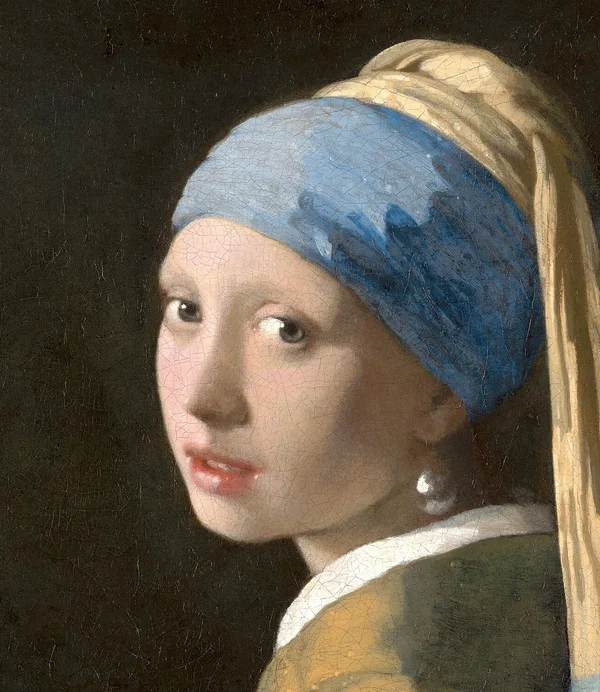
A clear copy, a fraction of the size.
Phone photos are often 3 to 8 MB, far more than a form needs. 200KB is the upper limit for NEET UG, JEE Main and UPSC photos, and keeps plenty of detail for a screen. Keep your original for printing.
- Keep the originalThe download gets a new name, so your original stays as it is for later.
- Pick the formatPhotos suit JPG. Use WebP for transparent artwork, if the site accepts it.
- Test where it goesAttach the file and use the site’s own preview to check it is the right way up and readable.
What to check after shrinking
Look at the part that matters: a face, a label, a line in a chart. If it is hard to read, crop away the rest or use a bigger limit if allowed.
Very large photos are first brought down to a safe working size so your browser does not freeze. The final width and height are shown before you download.
Do not just rename a JPG to PNG to pass a form. The format inside has to match. This page saves a real JPG by default.
Need control over export quality rather than a byte cap? Try the image compressor.
Other size presets.
Filling in an exam form? See the photo and signature sizes for SSC, IBPS, UPSC, NEET, JEE and PAN.
Good to know.
Can I reduce a multi-megabyte photo to 200KB?
Usually, yes. The tool lowers the quality and, if needed, the pixel size. If it cannot make a usable file, it tells you instead of giving you a bad one.
Will the 200KB copy keep camera details?
No. Location and camera details are removed when the photo is saved again, which is better for privacy.
Is this good for printing?
Use your original for printing. A 200KB copy is made for screens and forms.