Photo and signature size for every big exam.
Find your exam, check the size it wants, and tap Resize. The tool opens with the limits already filled in, and your photo never leaves your phone.
- SSC
- IBPS & SBI
- UPSC
- NEET
- JEE Main
- PAN card
Pick your exam, then resize.
KB is the file size, pixels are the width and height. A file can be rejected for being too small as well as too big, so aim inside the range.
| Exam | Upload | File size | Pixels | Action |
|---|---|---|---|---|
| IBPS / SBI bank exams | PhotoJPG, light plain background | 20–50 KB | 200 × 230 px | Resize IBPS / SBI bank exams photo |
| SignatureBlack ink on white paper | 10–20 KB | 140 × 60 px | Resize IBPS / SBI bank exams signature | |
| Left thumb impression | 20–50 KB | 240 × 240 px | Resize IBPS / SBI bank exams left thumb impression | |
| Handwritten declaration | 50–100 KB | 800 × 400 px | Resize IBPS / SBI bank exams handwritten declaration | |
| SSC (CGL, CHSL, MTS, GD) | PhotoMany SSC forms now capture a live photo instead | 20–50 KB | — | Resize SSC (CGL, CHSL, MTS, GD) photo |
| SignatureNo signature in capital letters | 10–20 KB | — | Resize SSC (CGL, CHSL, MTS, GD) signature | |
| UPSC | PhotoMust match the live photo taken in the form | 20–200 KB | 350–1000 px per side | Resize UPSC photo |
| Signature (signed 3 times) | 20–100 KB | 350–500 px per side | Resize UPSC signature (signed 3 times) | |
| NEET UG | Passport-size photoWhite background, face about 80% of the photo | 10–200 KB | — | Resize NEET UG passport-size photo |
| Signature | 4–30 KB | — | Resize NEET UG signature | |
| JEE Main | Photo | 10–200 KB | — | Resize JEE Main photo |
| Signature | 10–50 KB | — | Resize JEE Main signature | |
| PAN card (Protean / NSDL) | Photo3.5 × 2.5 cm at 200 DPI | up to 20 KB | — | Resize PAN card (Protean / NSDL) photo |
| Signature2 × 4.5 cm at 200 DPI | up to 10 KB | — | Resize PAN card (Protean / NSDL) signature |
Tips that stop rejections
- Start from the original. Squeezing a photo that was already compressed makes it blurry and can push it under the minimum.
- Crop first. Crop the photo to your face and shoulders, and the signature close to the ink, before you resize. The resizer keeps the shape you give it.
- Sign in black ink on white paper, in good daylight, then photograph it straight on so there are no shadows.
- Keep it JPG. Almost every exam form wants JPG or JPEG. Renaming a PNG to .jpg does not convert it; the resizer saves a real JPG.
- Check this year's notification. Rules can change from one cycle to the next, and the notification is the final word.
Sources
Official notifications are PDFs that move every cycle, so we cross-checked these guides and used the range they agree on. Where they disagreed, we used the overlap that fits every source.
- IBPS / SBI bank exams: Guidely: IBPS PO photo and signature size 2026
- IBPS / SBI bank exams: PracticeMock: IBPS RRB photo and signature size 2026
- SSC (CGL, CHSL, MTS, GD): Physics Wallah: SSC CGL photo and signature size 2026
- UPSC: Vision IAS: UPSC photo and signature rules 2026
- NEET UG: Physics Wallah: NEET 2026 photo and signature guideline
- JEE Main: Collegedunia: JEE Main photo size and signature guidelines
- PAN card (Protean / NSDL): Protean (NSDL): online PAN application instructions
Good to know.
What is the photo size for IBPS and SBI exams?
The photo should be 20 to 50 KB, about 200 × 230 pixels, as a JPG. The signature should be 10 to 20 KB at about 140 × 60 pixels.
What is the SSC signature size?
SSC forms ask for a signature of 10 to 20 KB in JPG. Many SSC forms now take a live photo with your webcam instead of an uploaded photo.
What photo and signature size does NEET UG need?
NEET UG takes a passport-size photo of 10 to 200 KB and a signature of 4 to 30 KB, both as JPG.
What is the UPSC photo size?
Keep the UPSC photo between 20 and 200 KB, with each side between 350 and 1000 pixels. The signature, signed three times one below the other, should be 20 to 100 KB.
Why does my form say the file is too small?
Most exam forms have a minimum size as well as a maximum. Start from the original photo or a fresh scan, not one that was already compressed, and pick the exam above so the tool aims for the right range and warns you if it ends up too small.
More free tools.
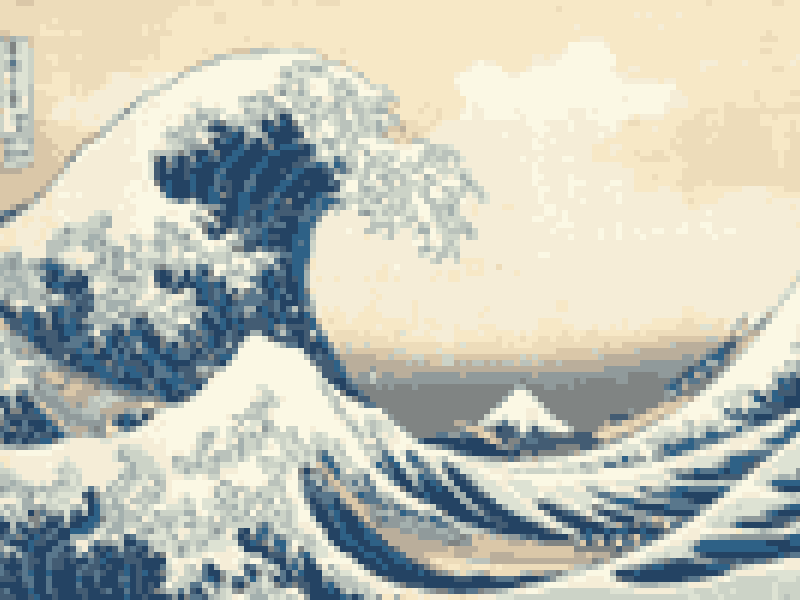
Picture to Pixel Art
Turn a picture or photo into pixel art, with a true-size sprite export.
Free · 6 retro palettes
Pixelate Photo
Apply a mosaic to a whole image or a selected rectangle.
Free · Whole photo or area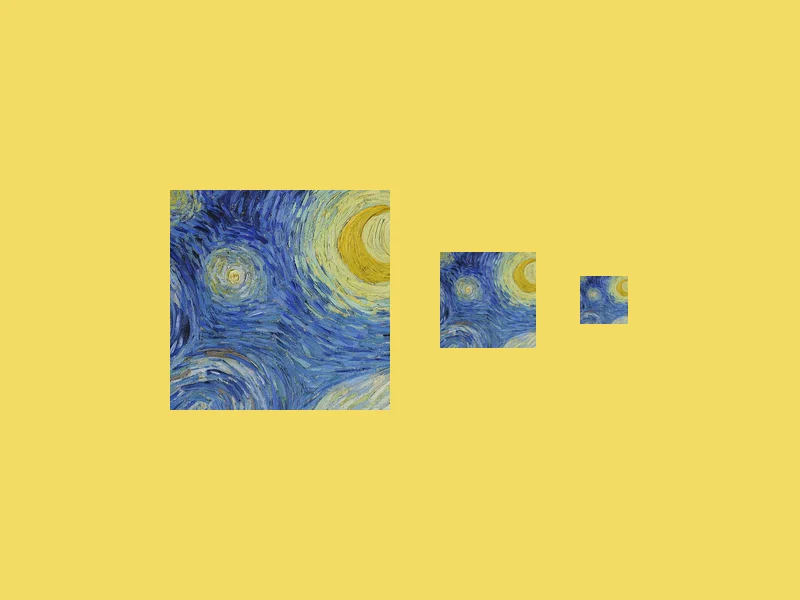
ICO Converter
Convert an image into a multi-size .ico file, from 16 to 256 px.
Free · PNG · JPG · SVG
Resize Image to 20KB
Get a photo under a file-size limit for an online form.
Free · 10 to 200 KB presets